
Meshy
A desktop client for MeshCore LoRa mesh networking devices, on Linux and macOS. Send encrypted messages, manage contacts, and monitor your mesh network — all from your desktop.
Get Meshy
A desktop client for MeshCore LoRa mesh networking devices, on Linux and macOS. Send encrypted messages, manage contacts, and monitor your mesh network — all from your desktop.
Get MeshyEverything you need to communicate over the MeshCore network, right on your Linux or macOS desktop. It works great on Linux phones, too!
Send and receive end-to-end encrypted direct messages and participate in channel-based group chats. Automatic retry ensures message delivery.
Connect to your MeshCore companion device via Bluetooth, USB serial or TCP/WiFi. Auto-reconnect makes it seamless every time you start the app.
Browse your MeshCore contacts, see routing info and hop count, add new contacts via QR code or manually, and track when they were last seen.
Visualize your mesh network on an interactive map. Trace message paths with signal quality indicators, explore smart routing alternatives, and plan custom routes through the network.
View battery status, radio statistics, uptime, RSSI, SNR, noise floor, and airtime usage. Keep tabs on your device health at a glance.
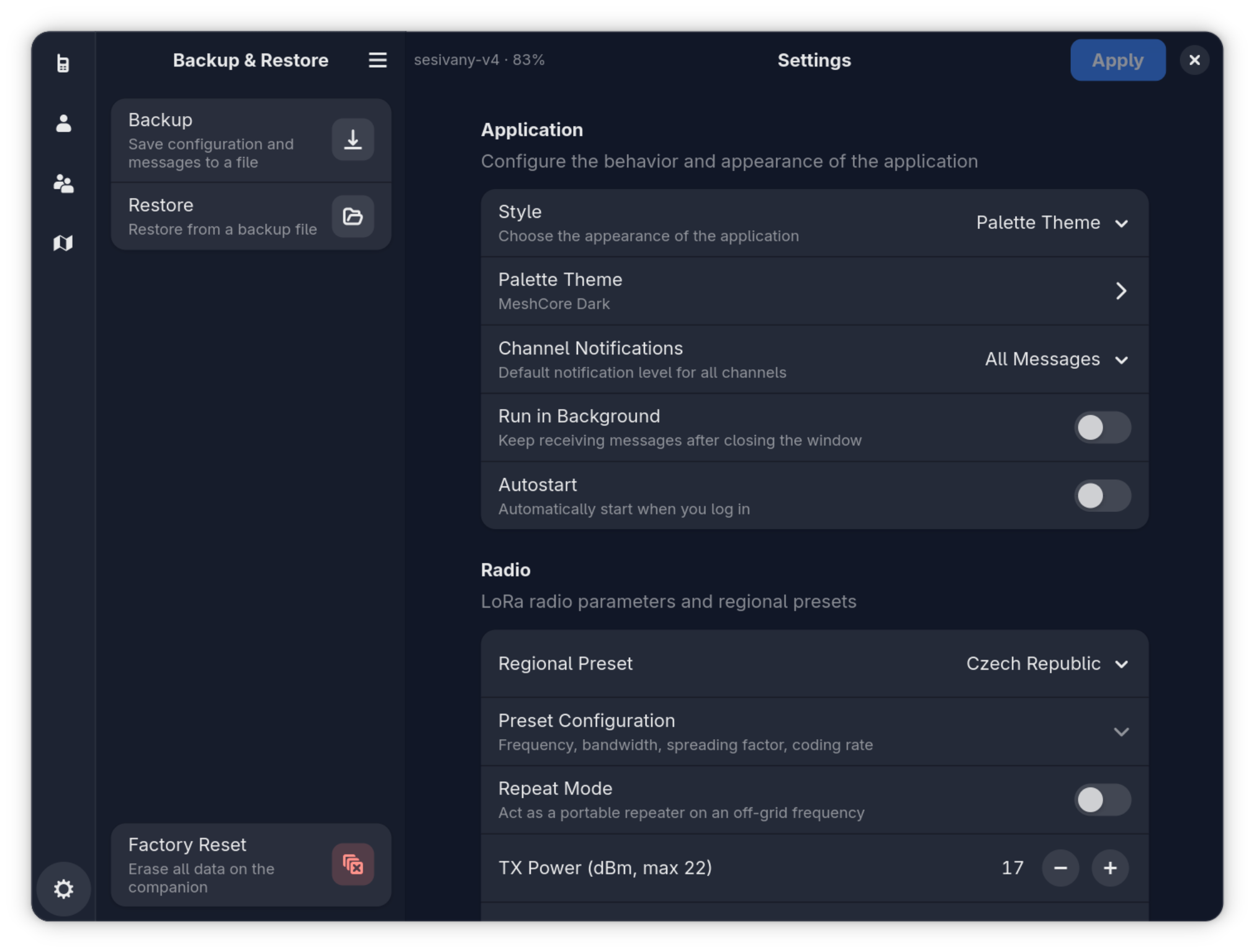
Configure radio parameters, regional presets, TX power, channels, and device settings. Backup and restore your configuration with ease.
See Meshy in action — a clean, modern interface built with GTK 4 and libadwaita.



Install Meshy on Linux via Flatpak, or on macOS via Homebrew.

Click to install via GNOME Software, KDE Discover, or another Flatpak-compatible app store.
or install manually via the command line
Click to install via GNOME Software, KDE Discover, or another Flatpak-compatible app store.
or install manually via the command line
Register the Meshy Flatpak remote on your system:
flatpak remote-add --if-not-exists meshy https://meshy-app.org/meshy.flatpakrepo
flatpak install meshy page.codeberg.sesivany.Meshy
Launch Meshy from your application menu, or run:
flatpak run page.codeberg.sesivany.Meshy
Requires Flatpak to be installed and Flathub to be enabled on your system.
Register the Meshy Homebrew cask repository. As of Homebrew 6.0, third-party taps must be trusted first:
brew trust --cask jreznik/meshy/meshy

                            brew tap jreznik/meshy https://codeberg.org/jreznik/homebrew-meshy
brew install --cask meshy
Launch Meshy from your Applications folder, or run:
open /Applications/Meshy.app
Requires Homebrew and an Apple Silicon Mac running macOS 26 (Tahoe) or newer.
Feeling brave? You can also install the development version using Flatpak or Homebrew, or build it from source. See the instructions in the repository.
Meshy is free and open source software, licensed under GPL-3.0-or-later.
Learn more about the MeshCore LoRa mesh protocol.
Follow Meshy on Mastodon for updates and news.
Browse the code, fork, and contribute on Codeberg.
Found an issue? Let us know on the issue tracker.
Help translate Meshy into your language via Codeberg Translate.
Chat with developers and other users on Matrix.